
Wi-Fi that works in every corner, for staff and guests
We design the wireless network around the space and the number of users, and give guests a simple, secure sign-in through a captive portal with your logo.
One infrastructure, two separate networks
Staff and guests use the same Wi-Fi system, but never the same network. Guests get internet access, and your business data stays protected.
Business Wi-Fi
- Access to business applications and systems
- Calls and video meetings without drop-outs while moving
- Secure sign-in for every user
Guest Wi-Fi
- Internet only, with no access to your network
- Simple sign-in through a captive portal
- Control over access time and speed
What a guest sees when they connect
A captive portal is a welcome page that opens as soon as a guest connects to the Wi-Fi. You decide how they sign in and how long they have access.
They choose your network
The guest finds your facility's Wi-Fi network in the list.
A welcome page opens
With your logo and terms of use.
They sign in and browse
In the way you chose: room number, e-mail or code.
How we design Wi-Fi
Good Wi-Fi is not a matter of luck, but of simulation, planning and measurement.
Coverage simulation
Before installation there is nothing to measure, so we simulate Wi-Fi coverage from the building plans. We plan both new systems and upgrades of existing ones this way.
Planning for density
We calculate how many people use the network at the same time, because an office is not a stadium.
Installing the equipment
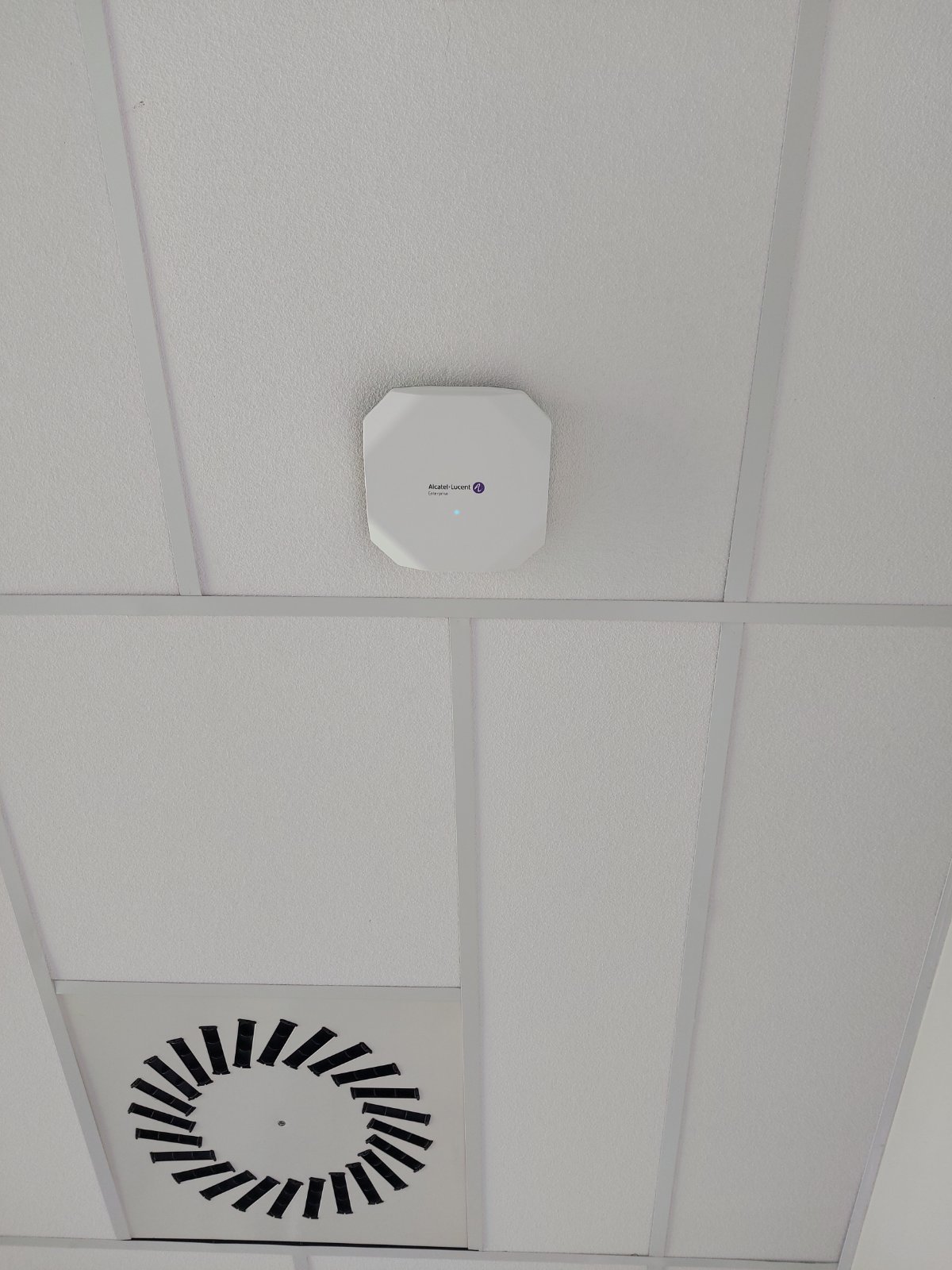
Access points where they are needed, blended into the interior.
Measurement after installation
We measure and document the real coverage, so we can confirm you got exactly what you asked for.
Wi-Fi in practice
Dubočica Stadium, Leskovac
Active network and Wi-Fi infrastructure for a modern sports venue.
Read the case study → HealthcareProkuplje Health Centre
Wi-Fi coverage alongside IP telephony and the network, for an environment with high demands for stability.
Read the case study →Key terms, simply explained
Everything you wanted to ask about Wi-Fi.
What is an access point?
An access point is a device, usually on the ceiling or a wall, that broadcasts the Wi-Fi signal around it. Larger buildings have several access points that together cover the whole space.
Why is Wi-Fi weak in some places?
The most common causes are thick walls and reinforced concrete, too few access points, too many users in one place or interference from neighbouring networks. We measure to find the exact cause instead of guessing.
How do you plan Wi-Fi before installation?
Before installation there is nothing to measure, so we run a simulation: from the building plans, wall materials and expected number of users we calculate coverage and where the access points should go. After installation we measure the real coverage on site and document it, confirming the system works as planned.
What is a captive portal?
It is a page that opens automatically when a guest connects to the Wi-Fi, with your logo, terms of use and sign-in. It allows controlled access: you know who uses the network, for how long and at what speed.
Are guests separated from our business network?
Yes. The guest network is completely separate: guests get internet access only and cannot see your computers, tills, cameras or servers. It is a basic security rule we always apply.
What is roaming?
Roaming is the seamless handover of a phone or laptop from one access point to another as you move through the building. When it is set up well, a call or video meeting does not drop as you walk down the corridor.
What do Wi-Fi 6 and Wi-Fi 7 mean?
They are newer generations of the Wi-Fi standard. They bring higher speeds, but above all better performance when many devices are connected at once, which matters for hotels, offices and public spaces.
Is your Wi-Fi not working as it should somewhere?
We will measure the coverage and tell you exactly where the problem is and how to solve it.
Contact us